Fast demo URL
Local Docker app to a temporary Cloudflare Quick Tunnel URL. Best for showing a prototype quickly.
- Output
https://*.trycloudflare.com- Needs
- Docker, Docker Compose, cloudflared
For developers who just need a working URL
OpsTrace runs locally, checks what your app needs, chooses the simplest launch path, verifies the result, and gives you the URL.
What it does
The product is not a cloud platform yet. It is a local assistant for getting from “this app works on my machine” to “I have a URL I can open and share.”
Launch paths
Local Docker app to a temporary Cloudflare Quick Tunnel URL. Best for showing a prototype quickly.
https://*.trycloudflare.comPublic Git repo to your own SSH server with Docker Compose, then verify a host:port URL.
http://server-ip:portAWS, Azure, GCP, and Alibaba are read-only planning surfaces for now. No provisioning is claimed.
Proof
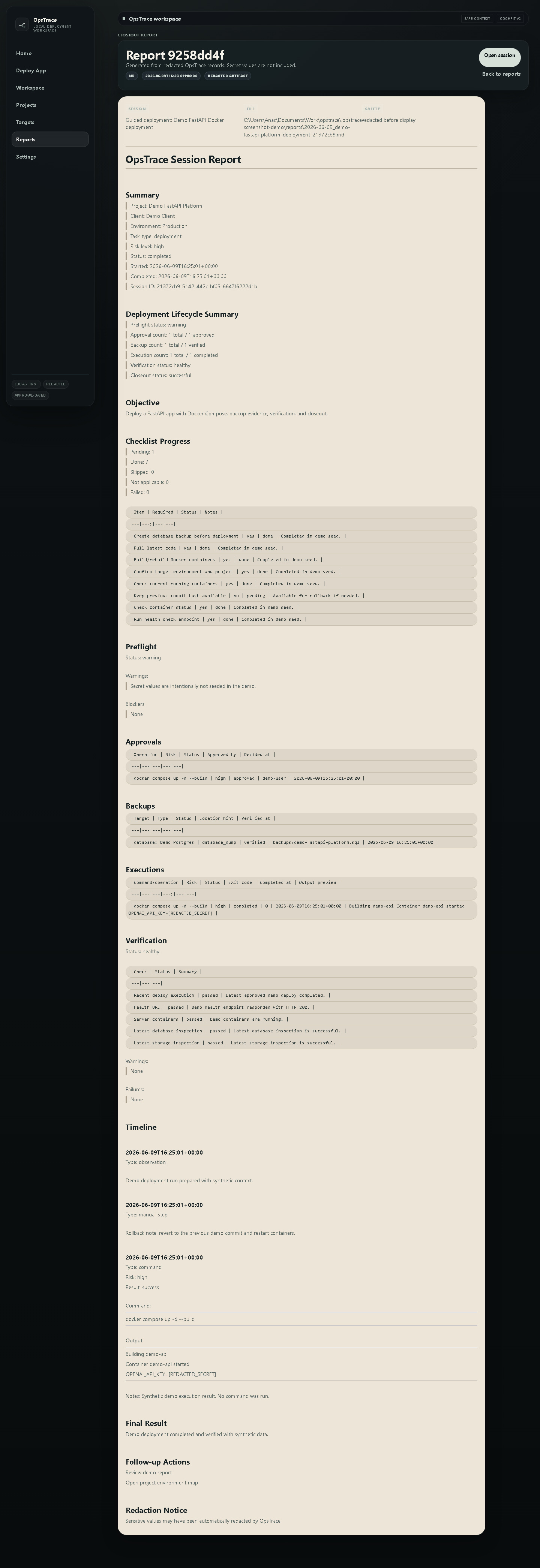
The demo path was run end-to-end: local Docker app, Cloudflare tunnel, health/docs verification, endpoint evidence saved, tunnel stopped after smoke cleanup.
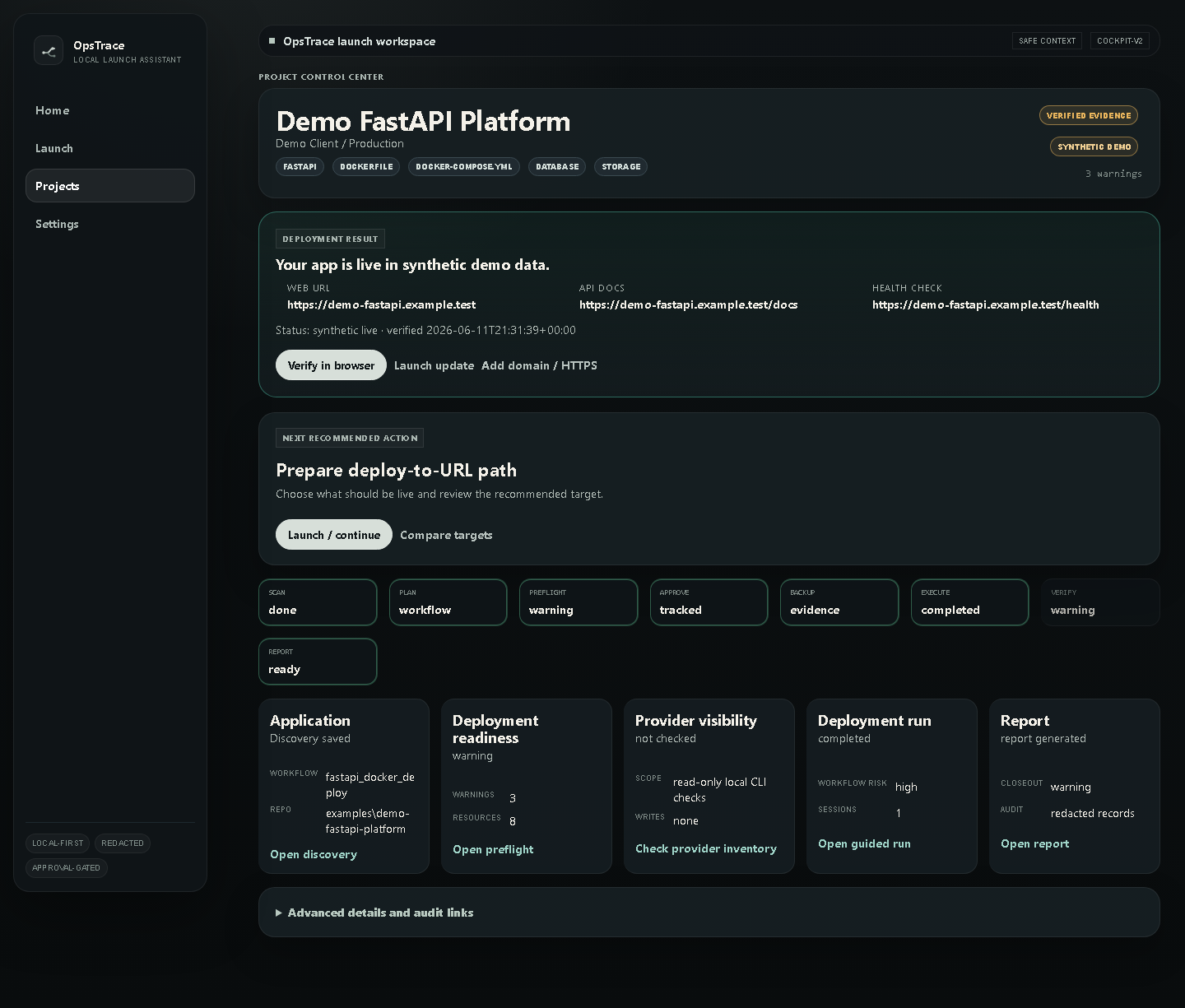
/health returned successfully/docs returned successfullyverified_then_stopped, not falsely liveScreens
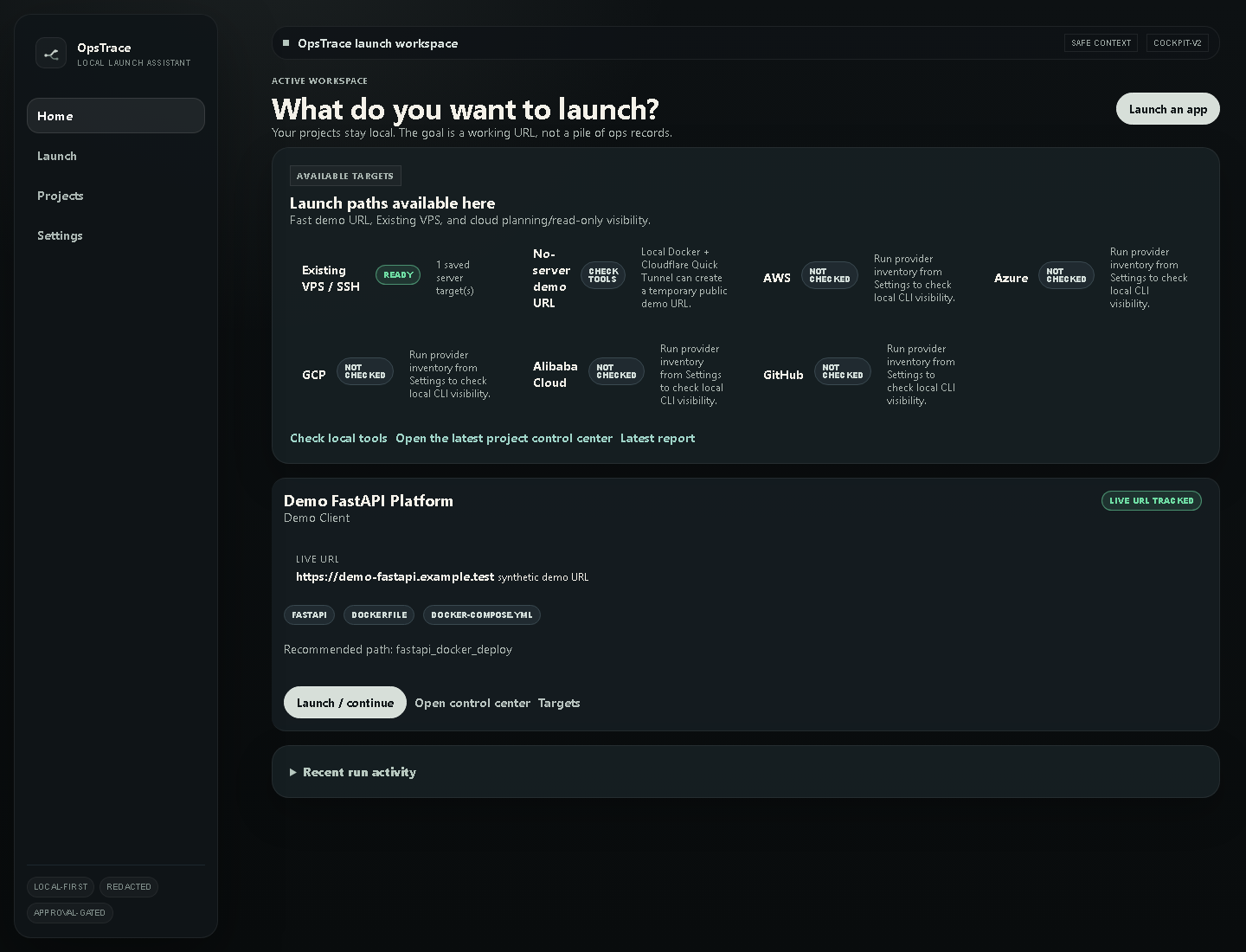
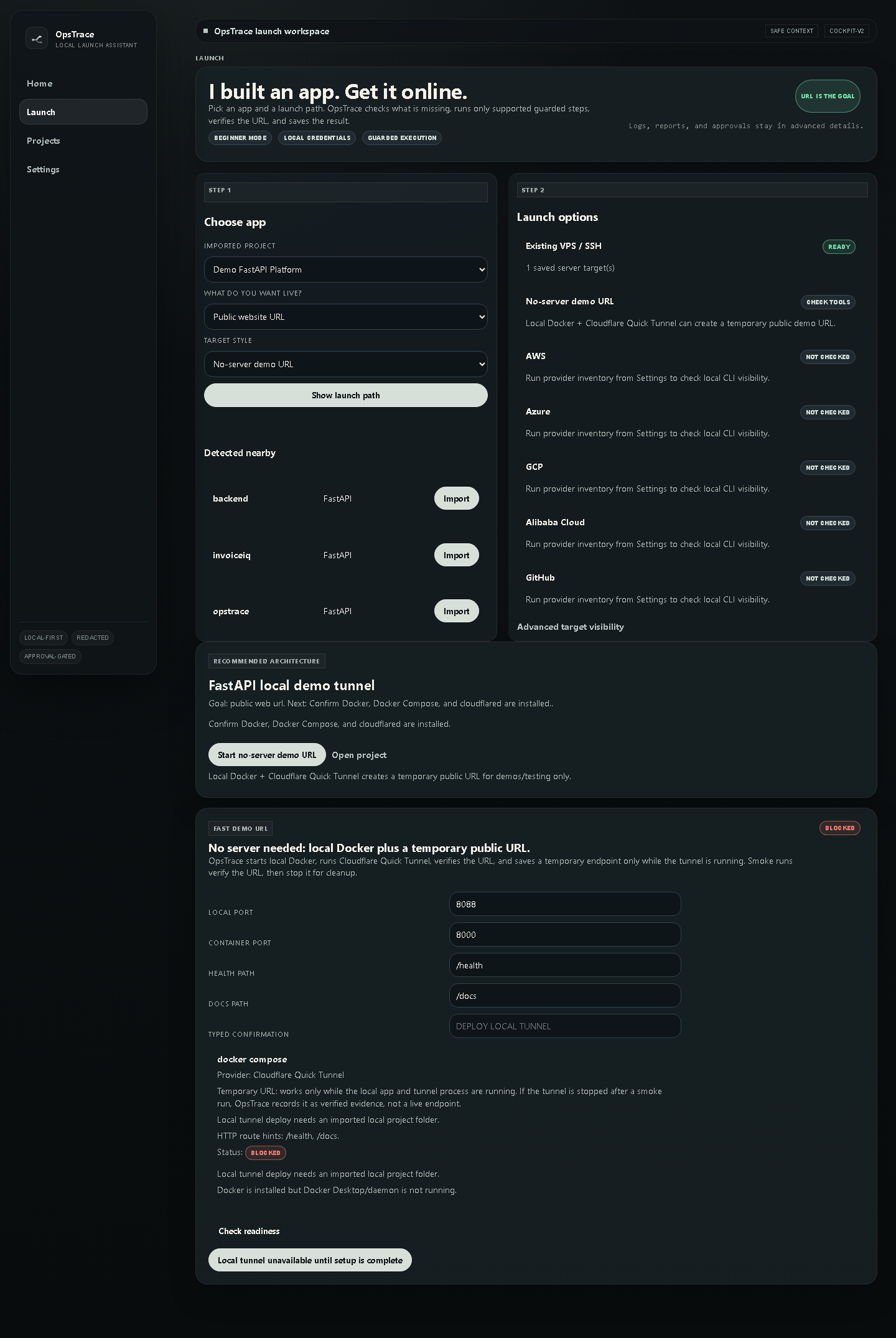
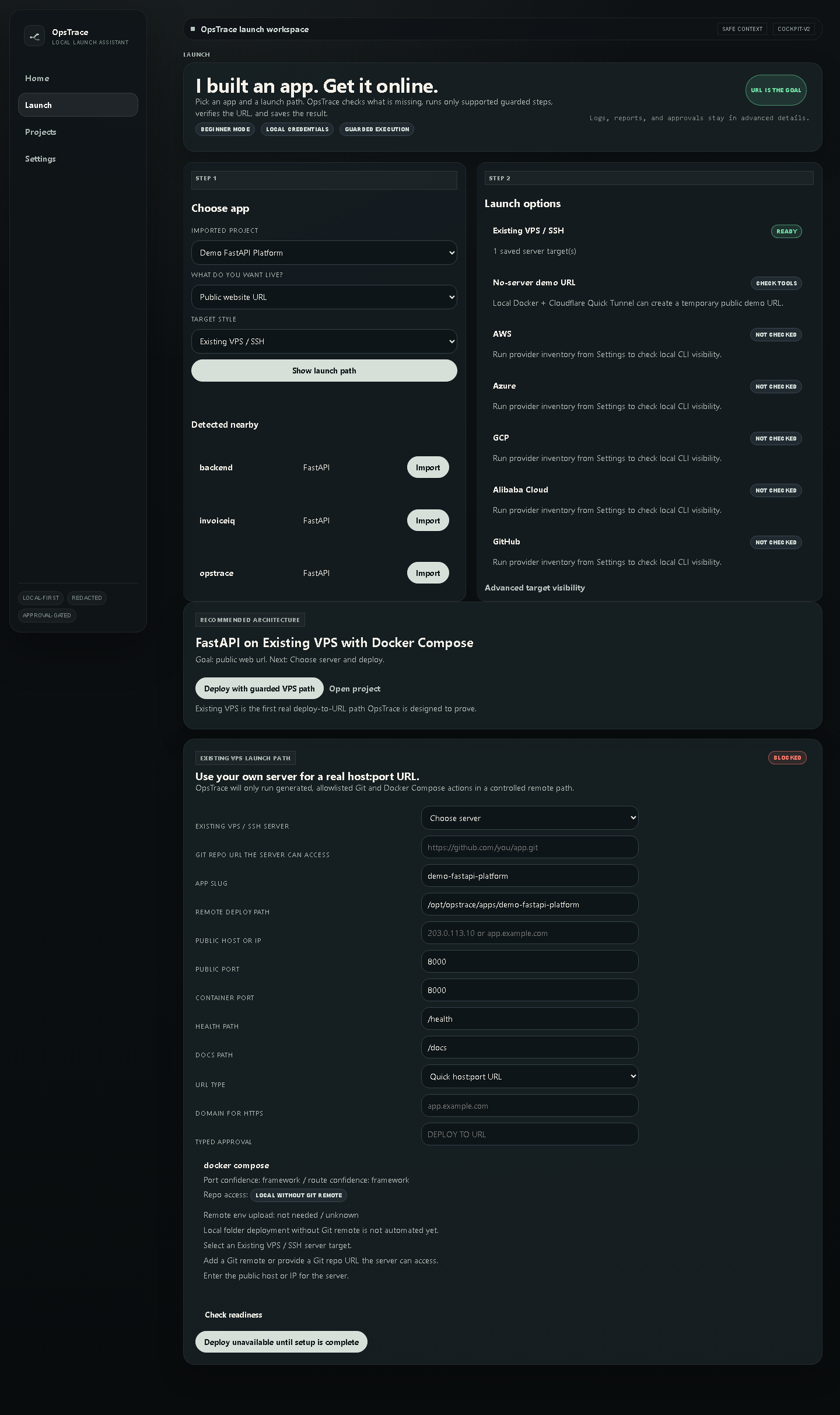
Safety
Run it
python -m opstrace init
python -m opstrace demo seed
python -m opstrace ui